Here’s what they don’t tell you at Micro Center: the most expensive computer is the one you replace too early.
I’ve watched friends drop $2,000 on new builds every two years like clockwork, convinced their three-year-old system is ‘outdated.’ Meanwhile, I’m running servers that have been humming along since Obama’s first term. The difference isn’t luck—it’s understanding that hardware longevity is a skill, not an accident.
With RAM prices through the roof and GPUs still acting like luxury cars, 2026 might be the perfect year to stop chasing shiny new things and start making what you have last.
The Temperature Game: Heat is Your Hardware’s Silent Killer
Every degree matters. For every 10°C increase in operating temperature, you roughly halve your component’s lifespan. That $33 Thermalright cooler mentioned in the news? It’s not just about performance—it’s life insurance for your CPU.
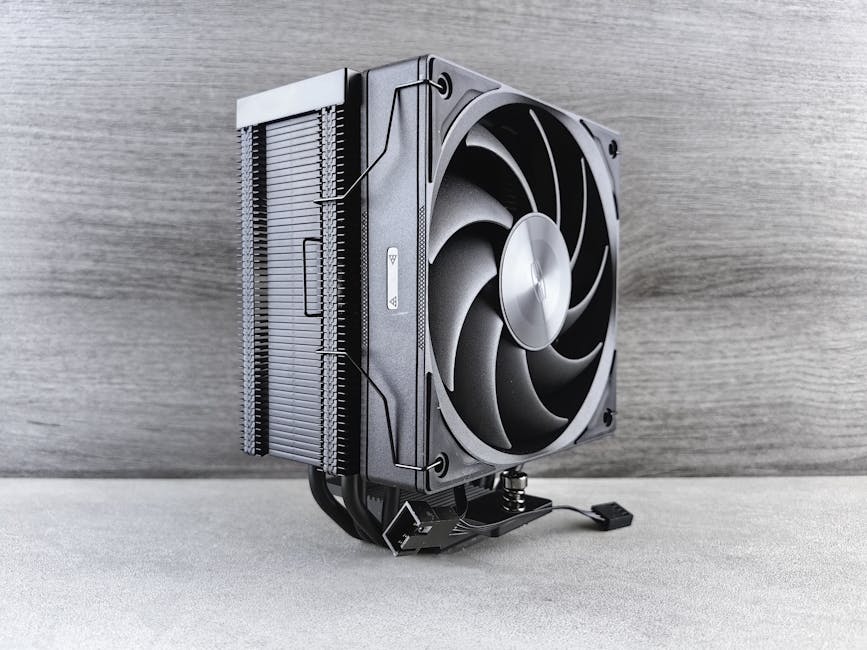
Your thermal strategy should be simple: keep it cool, keep it clean, keep it consistent. Dust is the enemy of cooling efficiency. A monthly compressed air session beats a yearly deep clean. Set up temperature monitoring—not for overclocking bragging rights, but for early warning when something’s going wrong.
The best cooling solution is the one that maintains consistent temperatures under load, not the one that hits the lowest idle temps.
Power Quality: The Foundation Nobody Talks About
Here’s what separates the pros from the enthusiasts: understanding that your power supply isn’t just about wattage ratings. It’s about clean, consistent power delivery over years of operation.
Cheap power supplies kill expensive components slowly. Voltage fluctuations, ripple, and inefficiency create stress on every component downstream. That $50 PSU savings becomes a $500 lesson when it takes your motherboard with it.
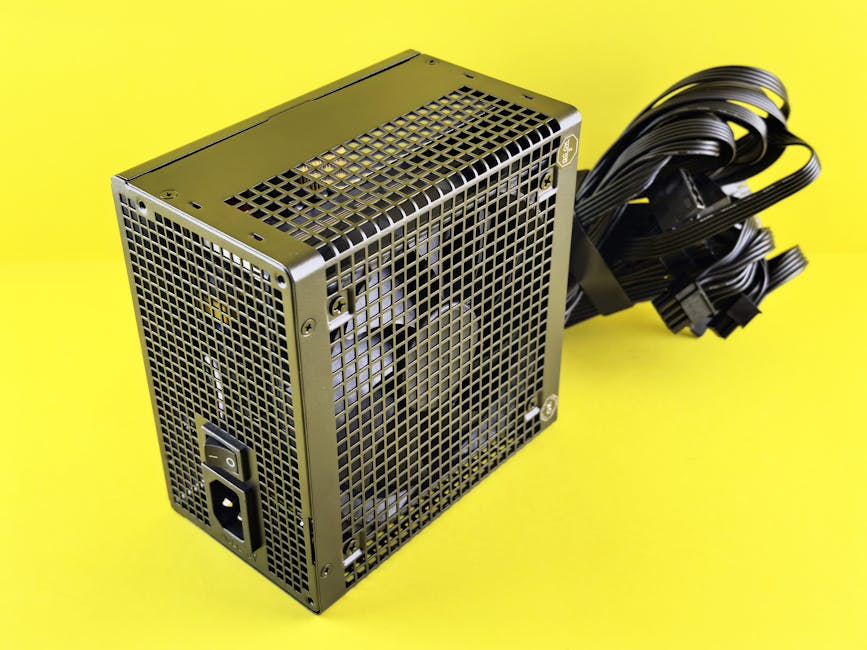
Look for 80+ Gold efficiency ratings minimum. Not for the power savings—though that’s nice—but because efficient PSUs run cooler and stress components less. Modular cables aren’t just for aesthetics; they improve airflow, which circles back to our temperature game.
Install a UPS if you’re serious about longevity. Power outages and surges are like micro heart attacks for your system. A good UPS protects against both and gives you clean power conditioning as a bonus.
Storage Strategy: Your Data’s Long Game
SSDs changed everything about storage performance, but they didn’t change the fundamentals of data preservation. Every NAND flash cell has a finite number of write cycles. The trick is spreading that wear evenly and knowing when to rotate drives out of service.
Modern SSDs will outlast most users’ needs, but only if you’re not abusing them. Avoid using your primary SSD for scratch disks, cache directories, or anything that writes constantly. Set up proper swap file management. Keep 20% free space minimum—not for performance, but for wear leveling algorithms to work properly.
For long-term storage, nothing beats redundancy. RAID isn’t backup, but it is insurance against single drive failures. Set up automated health monitoring. Replace drives based on SMART data trends, not just failures.
The Upgrade Timing Sweet Spot
The hardest skill in hardware longevity is knowing when not to upgrade. Every component has a performance curve where it goes from adequate to limiting factor. The trick is riding that curve as long as possible without falling off the cliff.

That Ryzen 5 7600X bundle for $415? It’s a solid deal, but ask yourself: what’s your current CPU actually limiting? If you’re gaming at 1440p with a mid-range GPU, your bottleneck isn’t the CPU. If you’re running VMs or compiling code, maybe it is.
Upgrade when you have a specific performance problem, not when new hardware exists. Your wallet will thank you, and you’ll actually notice the improvements when you do upgrade.
The best upgrade is the one that solves a real problem, not the one that impresses strangers on Reddit.
Maintenance Mindset: Prevention Over Reaction
Here’s the thing about hardware maintenance: it’s boring until it isn’t. The systems that last are the ones that get consistent, predictable care—not heroic rescue missions when something breaks.
Build maintenance into your routine. Monthly: blow out dust, check temperatures, verify backups. Quarterly: update firmware, check cable connections, review system logs. Annually: thermal paste refresh on high-use systems, deep clean, cable management review.
Document your systems. Not for compliance theater, but because three years from now you won’t remember why you configured something a certain way. Future you will thank present you for leaving breadcrumbs.
The real secret to hardware longevity isn’t buying the most expensive components—it’s treating the components you have with respect. Keep them cool, feed them clean power, don’t abuse them, and upgrade thoughtfully when you have actual reasons.
Your hardware wants to last. Sometimes the best thing we can do is get out of its way and let it work.
 Scrivener.PRO