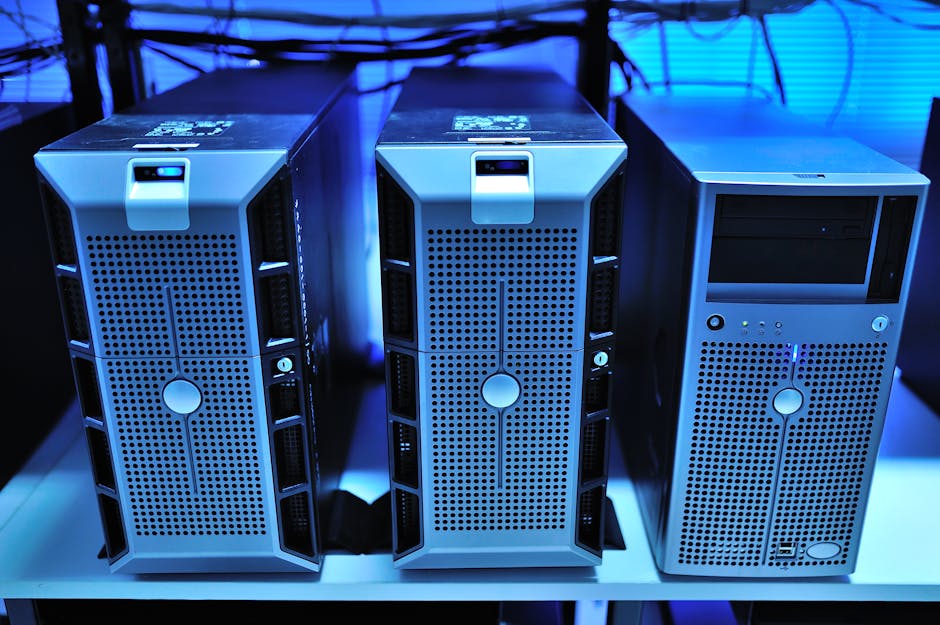
The server rack hummed in the corner of my buddy’s garage, LED lights blinking like a miniature data center. “Cost me twelve grand,” he said, patting the side. “But look at all this compute power!”
I looked at his electric bill instead. Three hundred dollars a month. For a lab he used maybe ten hours a week.
Here’s the thing about homelabs—they’re not about showing off. They’re about learning. And you can learn more from a $300 setup that you actually use than a $3000 monument to your credit limit gathering dust.
Why Your Homelab Strategy Is Backwards
Most people approach homelabs like they’re building production infrastructure. They buy enterprise gear, rack-mount everything, and wonder why their spouse gives them the look when the power bill arrives.
The real question isn’t “how much compute can I cram into this closet?” It’s “what skills am I trying to build?”

Enterprise environments aren’t about the hardware anyway. They’re about the concepts: virtualization, automation, monitoring, disaster recovery. You can learn all of that on hardware that fits in a shoebox and runs on less power than your gaming rig.
The skills that matter—Docker, Kubernetes, Infrastructure as Code—don’t care if they’re running on a $10,000 server or a $100 Raspberry Pi.
The $300 Foundation That Actually Teaches
Start here. This isn’t the only way, but it’s a way that works:
Mini PC ($150-200): Something like a Beelink SER5 or similar. 16GB RAM, 500GB SSD. Runs quiet, sips power, handles everything you need to learn. Skip the rackmount fantasy—you’re not Netflix.
Network Switch ($30-50): Unmanaged 8-port gigabit. Brand doesn’t matter much here. You need ports, not features. Yet.
Portable Monitor ($80-120): The MNN M156F01 that just got reviewed isn’t fancy, but it’s functional. Or use that old monitor in your closet. The goal is a dedicated display for your lab, not winning design awards.
Total: Under $400. Less than one month’s payment on that enterprise server rack. And here’s the kicker—this setup will teach you more in six months than most people learn in their first year of IT work.
What You Can Actually Build (And Why It Matters)
This isn’t about toy projects. This modest setup can run:
- Proxmox hypervisor with 4-6 VMs
- Docker containers for every service you use
- Kubernetes cluster (single-node to start)
- Network monitoring with Zabbix or Nagios
- CI/CD pipeline with Jenkins or GitLab
- Log aggregation with ELK stack
That’s not a toy lab. That’s a complete enterprise environment in miniature. The concepts are identical to what runs Google, Amazon, and every company you’ll ever work for.
More importantly, when something breaks at 2 AM (and it will), you can actually troubleshoot it without waking the neighbors or explaining to your landlord why the circuit breaker keeps tripping.
The Power Bill Reality Check
Let’s do the math that nobody talks about:
Enterprise server: 400-800 watts idle. That’s $50-100 per month just sitting there.
Mini PC setup: 15-30 watts under load. Maybe $5 per month.
Over a year, the difference pays for two more mini PCs. Or better yet, it pays for the cloud resources you’ll use to practice scaling beyond your homelab.
The skills you’re building—automation, monitoring, infrastructure as code—these scale up beautifully. The power consumption and hardware costs don’t scale down.
Growing Beyond the Basics
Start small, but think modularly. When you outgrow the single mini PC (and you will), add another one. Now you have a real cluster. Different failure domains. Network complexity. Load balancing challenges.
Add a managed switch when you want to learn VLANs. Add storage when you want to understand SANs. Add monitoring hardware when you want to learn SNMP.
Each addition teaches something specific. Each one solves a problem you’ve actually encountered, not one you’re imagining.
The real win? By the time you’re ready for enterprise hardware, you’ll know exactly why you need it and exactly how to use it. You’ll buy what teaches, not what impresses.
That’s the difference between learning and collecting. Between building skills and building debt.
What’s the first service you want to self-host? Start there. Everything else is just details.
 Scrivener.PRO