A buddy of mine just dropped $2,800 on a new laptop because his old one was ‘too slow.’ I asked him one question: when did you last reinstall the OS?
He stared at me like I’d asked him to speak Klingon.
That machine was three years old. Still had a quad-core i7 and 16GB of RAM. It wasn’t slow — it was sick. Bloatware, startup programs, a Windows Update that had quietly rewritten half his registry. Forty-five minutes later, fresh install, that laptop was faster than the day he bought it. Cost him zero dollars.
The tech industry has spent decades training you to believe hardware ages like milk. It doesn’t. It ages like cast iron — if you take care of it, it just keeps working. The ‘upgrade cycle’ is a business model, not a law of physics.
Why Your Hardware ‘Dies’ Sooner Than It Should
Let’s be honest about what’s actually happening when hardware starts feeling sluggish.
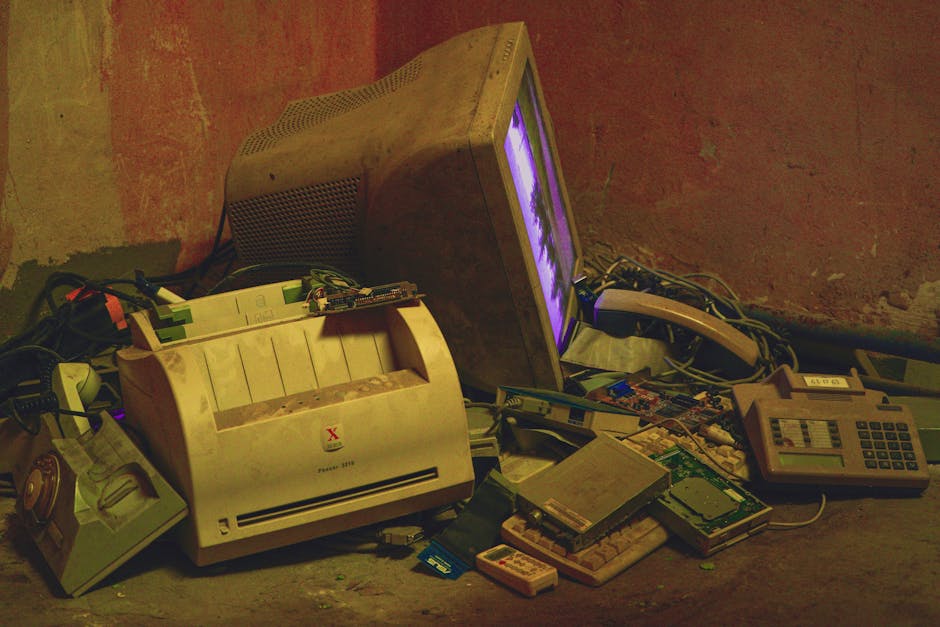
Software bloat is the silent killer. Every OS update adds features you didn’t ask for. Every app installs background services that run at startup. Your machine from 2021 is now running software that was designed with 2026 hardware in mind. The hardware didn’t get slower — the goalpost moved.
Then there’s thermal throttling. That gunk you’ve never cleaned out of your CPU heatsink? That’s your processor running at 60% capacity to avoid cooking itself. A $5 can of compressed air and some fresh thermal paste, and you’ve essentially given yourself a free CPU upgrade.
“Planned obsolescence isn’t a conspiracy theory. It’s a line item on a quarterly earnings report. The question is whether you’re going to keep funding it.”
Microsoft just issued another emergency Windows 11 patch this week to fix a broken rollout from March. This is Tuesday now. Operating systems are increasingly where hardware goes to die — not because the chips fail, but because the software stack grows heavier every single year.
The Maintenance Stack Nobody Teaches You
Here’s the thing about hardware longevity — it’s not complicated. It’s just boring, and boring doesn’t sell YouTube ads.
The physical layer comes first. Dust is the enemy of thermals. Every six months, crack open that desktop or laptop (where you can), hit it with compressed air, and check that your fans are spinning freely. If your CPU temps are running hot under normal load, a $7 tube of Arctic Silver and 20 minutes on YouTube is all that stands between you and another three years of use.
Storage health is next. Run CrystalDiskInfo on Windows or smartmontools on Linux. Your SSD or HDD will tell you exactly how healthy it is. Most drives telegraph their failure weeks or months in advance — you just have to ask. Don’t wait until the drive fails to think about backups. By then, the conversation has changed entirely.
- Clean thermals every 6 months — compressed air, check fan operation, replace thermal paste every 2-3 years
- Monitor drive health quarterly — SMART data doesn’t lie
- Audit startup programs monthly — if you don’t recognize it, research it before you kill it, but kill it if it’s junk
- Fresh OS installs every 2-3 years — this alone extends hardware life dramatically
- Check RAM with MemTest86 — bad RAM mimics a dozen other problems
Battery maintenance for laptops deserves its own mention. Keep your battery between 20% and 80% charge whenever possible. Most modern laptops now have settings to cap charging at 80% — use them. That one habit can double your battery’s usable lifespan.
powercfg /batteryreport in an admin terminal to get a full battery health report. It’ll show you current capacity vs. design capacity — the truth about where your battery actually stands.The Right to Repair: This Is Political Now
That PC enthusiast who found sealed Nvidia 3D Vision 2 glasses for $2.99 last week? That’s what happens to yesterday’s ‘essential’ hardware. Someone paid $149 for those in 2011. The product didn’t fail them — the company just stopped supporting it and moved on.
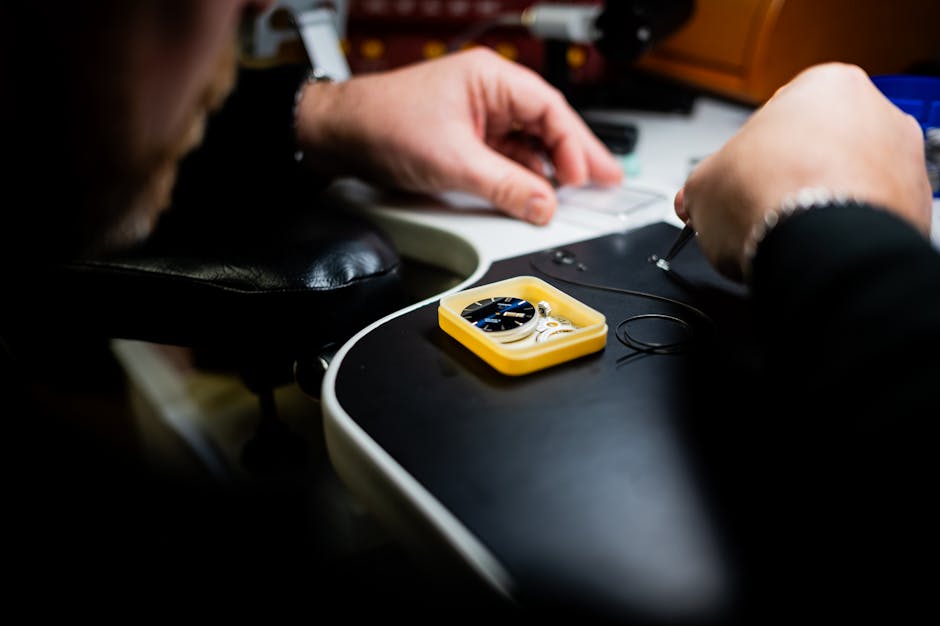
Louis Rossmann has been fighting this fight longer than most people know his name. The right to repair isn’t about being cheap — it’s about ownership. If you can’t open it, fix it, and modify it, you don’t own it. You’re renting it from a manufacturer who retains the real control.
“The moment you can’t repair your own property, you’re not an owner. You’re a subscriber who paid a one-time fee.”
iFixit repairability scores matter. Before you buy hardware, check whether the community has repair guides for it. A machine with a 9/10 repairability score will outlast a sealed, glued-together device by years — because when something breaks, you can actually fix it instead of replacing the whole unit.
Framework laptops exist now specifically to solve this problem. Modular, repairable, upgradeable. It’s not the cheapest entry point, but it changes the math entirely when you factor in a 7-year lifespan instead of 3.
When to Upgrade vs. When to Extend
Not every machine is worth saving forever. Let’s be honest about the calculus.
The question isn’t ‘is this hardware old?’ The question is: does this hardware bottleneck the actual work I’m trying to do? An older workstation with 32GB RAM and a decent GPU can edit video, run virtual machines, and handle most professional workloads in 2026. Age isn’t the metric — capability is.
RAM and storage are almost always the cheapest upgrades with the highest return. Going from 8GB to 16GB RAM on a machine that’s hitting swap constantly will feel like a new computer. Swapping an aging HDD for even a budget SATA SSD is a transformation. Corsair’s new DDR5 kits are impressive hardware — but if your current 16GB DDR4 setup isn’t the bottleneck, that $611 is better spent elsewhere.
- Extend if: The CPU handles your workload fine, RAM is at or above 16GB, storage is SSD, and the machine runs clean after a fresh install
- Upgrade if: CPU is genuinely bottlenecking, the platform doesn’t support the RAM or storage you need, or repair costs exceed 50% of replacement value
- Never upgrade because: The OS nagged you, a new shiny thing got released, or it ‘feels slow’ before you’ve diagnosed why
The Real Cost of the Upgrade Treadmill
Oracle just cut 10,000 people to fund AI data centers. Tech companies are consolidating, pivoting, and restructuring constantly. The products they make are designed to move units on a cycle — not to last.
That’s not a moral judgment. That’s just the business model. And understanding the business model is how you stop being a victim of it.
Every year you extend the life of your hardware is money that stays in your pocket. That laptop your employer wants to replace every three years on a fleet lease? If you’re freelance or self-employed, running that machine to year five with good maintenance practices saves you real money that compounds over time.
The bigger principle: competence with the tools you own beats constant acquisition of new ones. I learned that on a fishing boat. The guy who could fix the engine at sea was worth more than the guy who had the newest gear. Same principle applies to your workstation.
Hardware isn’t disposable. It’s infrastructure. Treat it like infrastructure — maintain it, understand it, and don’t let someone else’s quarterly targets dictate your replacement schedule.
The real question isn’t ‘should I upgrade?’ The real question is: who benefits from you believing you have to?
 Scrivener.PRO