There’s a moment every new builder hits. You’re staring at a $400 graphics card next to a $180 one, and the spec sheet says the expensive one is maybe 15% faster. Someone on Reddit is telling you the cheap one is garbage. Someone else says it’s fine. The manufacturer’s website has a video with RGB lighting and a guy in a gaming chair who looks like he works out.
Nobody is telling you what you actually need to know: what are you trying to do, and what’s the least amount of money that does it well?
That’s the entire game. Everything else is noise.
The Myth of the Latest and Greatest

Here’s the thing about hardware generations—the performance gap between a flagship chip from two years ago and today’s midrange is usually smaller than the marketing makes it seem. Moore’s Law has been on life support for years. Chip makers know it. They’re selling you incremental gains dressed up in cinematic trailers.
TSMC is reportedly planning to build 12 fabs in Arizona as part of a massive U.S. expansion. That’s genuinely significant for supply chains long-term. But it doesn’t change what you need to buy this week to run your workloads.
“The best hardware is the hardware that does your actual job without making you wait. Everything above that threshold is ego, not engineering.”
The upgrade treadmill is designed to keep you spending. Understanding the treadmill is the first step to getting off it.
Flagship components carry a premium that’s roughly 30-50% above what you’d pay for last-gen equivalents with 80-90% of the performance. That math doesn’t work in your favor unless you have very specific, benchmark-sensitive workloads.
Where to Spend, Where to Save
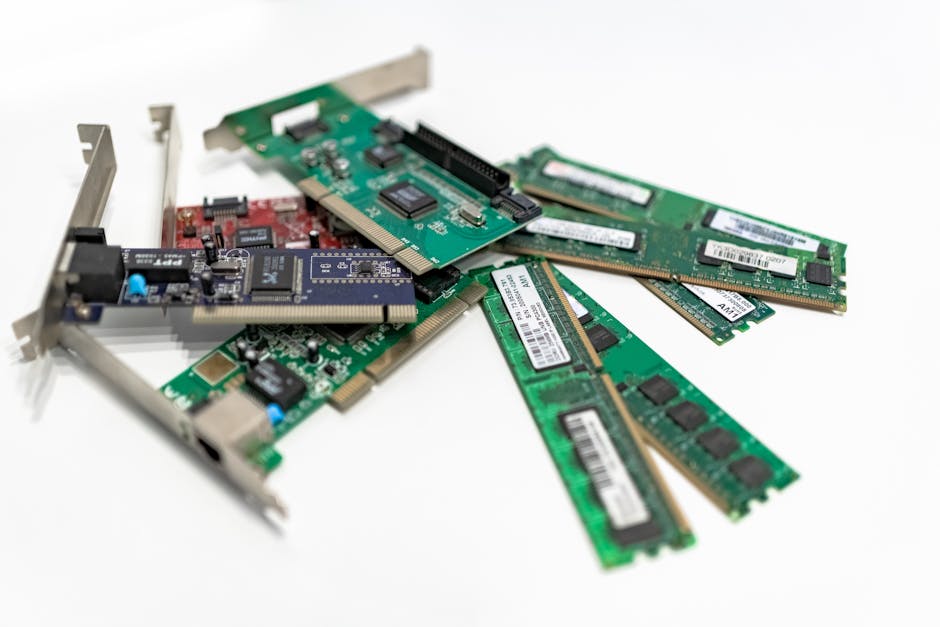
Not all components are created equal when it comes to the value curve. Some parts you should never cheap out on. Others are pure margin for the vendor.
Spend on these:
- RAM: 32GB is the floor for any serious work in 2026. Go 64GB if you’re running VMs, containers, or video editing. RAM is cheap right now. This is not where you save money.
- NVMe SSD: Your OS and primary workloads live here. Slow storage makes fast CPUs feel slow. A mid-tier NVMe drive from a known brand is one of the highest ROI upgrades you can make.
- Power Supply: An underpowered or low-quality PSU will kill the rest of your build. Buy a reputable 80+ Gold or Platinum unit with headroom. This is the one component where cheap can literally burn you.
- CPU: Get last-gen flagships, not current-gen midrange. The price-to-performance ratio is consistently better on chips that have been out for 12-18 months.
Save on these:
- GPU (unless gaming/ML is your primary use): If you’re doing office work, development, or homelab stuff, a used mid-tier GPU or integrated graphics handles 90% of what you’re doing.
- Cases: Airflow matters. Tempered glass side panels do not. A $60 case with good ventilation beats a $150 case that looks like a spaceship.
- Motherboards: Match the tier to your actual needs. Unless you’re overclocking or running multiple GPUs, a mid-range board is perfectly fine.
The Second-Hand Market Is Your Best Friend
The refurbished and used hardware market is where budget builders actually win. When a company does a hardware refresh cycle, thousands of identical machines hit the secondary market at once. These machines were maintained, usually ran light workloads, and were often under warranty until recently.
Platforms like eBay, Craigslist, and business liquidation sites are full of this equipment. Dell OptiPlex towers. HP EliteDesk units. Lenovo ThinkCentre boxes. These aren’t glamorous, but they’re built for reliability and they’re dirt cheap relative to spec.
“A $350 refurbished workstation with 32GB of RAM and a 6-core Xeon will outperform a $350 new consumer desktop in every workload that actually matters for most people.”
The same logic applies to networking gear. That Asus ZenWiFi BD5 Outdoor review making the rounds right now shows Wi-Fi 7 extenders with wired backhaul working great — and wireless backhaul being inconsistent. The real lesson there is: if you can run a cable, run a cable. And you can often get enterprise-grade switches and access points secondhand for a fraction of retail.
Software Efficiency Multiplies Hardware Budget
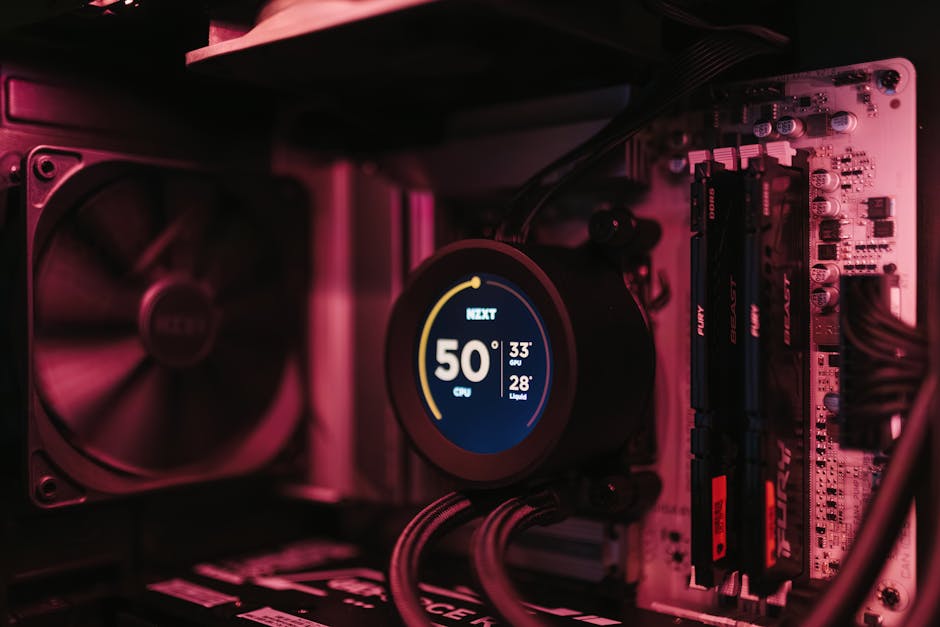
Here’s something the hardware industry doesn’t want you to internalize: optimizing your software stack often eliminates the need for a hardware upgrade entirely.
Windows 11 on consumer hardware in 2026 is a resource hog by design. It runs telemetry, background processes, AI features like Copilot (which, in a moment of stunning corporate honesty, Microsoft has now buried in its terms of service as being “for entertainment purposes only” — not for anything you’d actually rely on). Your OS is doing work you never asked it to do.
Switching to a lightweight Linux distribution — Debian, Ubuntu Server, or even a minimal desktop environment — recovers meaningful system resources. The same hardware running a trimmed Linux install will outperform the same hardware running a bloated Windows install on tasks that aren’t OS-dependent.
The principle extends to everything: use lighter applications, disable startup processes you don’t need, containerize workloads efficiently. Every optimization at the software layer is free hardware you already own.
Building Your Strategy
The real framework for capable hardware on a budget comes down to three questions:
- What is the actual bottleneck for my workload? CPU-bound? RAM-bound? Storage-bound? Know the answer before you spend a dollar.
- What’s the performance floor I actually need? Not what would be nice. Not what a YouTube reviewer uses. What keeps you from being blocked in your actual work?
- Where is the steepest part of the price/performance curve? You want to buy just past the knee of that curve — where you’re getting most of the performance for a fraction of the top-end price.
Build a spreadsheet. Price components at three tiers: budget, midrange, and premium. Calculate the performance delta between each tier relative to the price delta. The answer will almost always point you toward midrange-to-last-gen-flagship territory.
The person who built a thoughtful $600 rig is doing real work. The person who waited until they could afford the $1,800 build is still waiting.
Don’t let perfect be the enemy of functional. Get the machine that does the job, then build the skills that make the machine matter. That’s the actual long game.
So: what’s the real bottleneck in your current setup — and is it actually the hardware?
 Scrivener.PRO