Picture a filing cabinet. It holds your medical history, your business strategy, your half-finished novel, your client contracts. Now imagine you had to slide that cabinet through a slot in a stranger’s wall every time you wanted to look something up—and trust that they’d hand it back without making copies.
That’s the deal most people are quietly accepting every time they paste sensitive information into a cloud AI prompt.
The good news? That deal is optional. In 2026, running a capable AI model on your own hardware is not just possible—it’s practical. And once you’ve done it, you’ll wonder why you waited.
The Hidden Cost of ‘Free’ AI
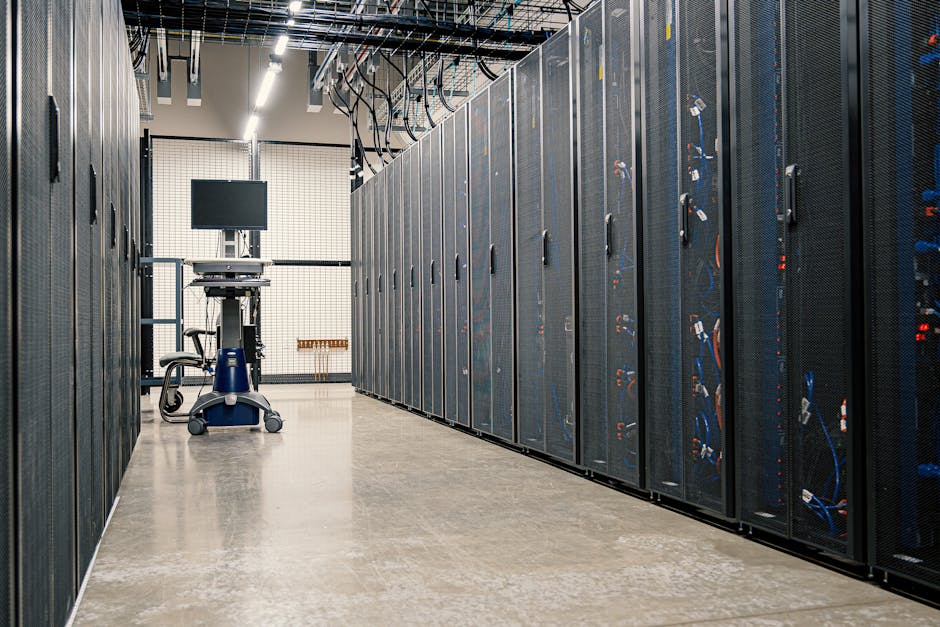
Here’s the thing about cloud AI services: nothing about them is actually free. You’re paying with data, with dependency, and increasingly, with regulatory exposure.
The EU AI Act is already reshaping how enterprises think about agentic systems in 2026. Companies are discovering that when your AI pipeline runs through someone else’s infrastructure, you don’t fully control what it logs, what it retains, or what jurisdiction it falls under. That’s not paranoia—that’s a compliance problem with a dollar sign attached.
“When evaluating enterprise software adoption, a recurring pattern dictates that governance failures cost more than the tool ever saved.” — IBM, 2026
Even Apple and Qualcomm are designing their next-gen AI agents with hard limits baked in. The industry is quietly admitting what open-source builders have known for years: control matters. The question is whether that control lives with you or with a vendor whose business model you don’t fully understand.
Who’s trying to control who here? Follow the architecture and you’ll find the answer every time.
What ‘Running AI Locally’ Actually Means
Let’s cut through the fog. Running AI locally means the model—the actual weights, the inference engine, the whole operation—runs on hardware you control. Your laptop. Your home server. Your company’s on-prem box. The prompt never leaves your machine. The response never touches someone else’s data center.
The ecosystem for doing this has matured considerably. Here’s what the stack looks like in practice:
- Ollama — The cleanest on-ramp. Pull a model, run a model. Works on Mac, Linux, Windows. Think of it as Docker but for LLMs.
- LM Studio — Desktop GUI for people who’d rather click than type. Good starting point.
- llama.cpp — The engine underneath a lot of these tools. Runs quantized models on CPU if you don’t have a GPU. Slower, but it works.
- Open WebUI — Drop a ChatGPT-style interface on top of your local Ollama instance. Suddenly your local setup feels like a product.
The models themselves have gotten genuinely good. Mistral, Llama 3, Phi-3, Gemma 2—these are not toys. On a machine with a decent GPU, you’re getting responses that would’ve required enterprise API contracts two years ago.
mistral or llama3 model. Three commands from zero to running. If it works, you’ll immediately understand what the fuss is about. If your hardware struggles, that tells you something useful about your upgrade path.Hardware Reality Check
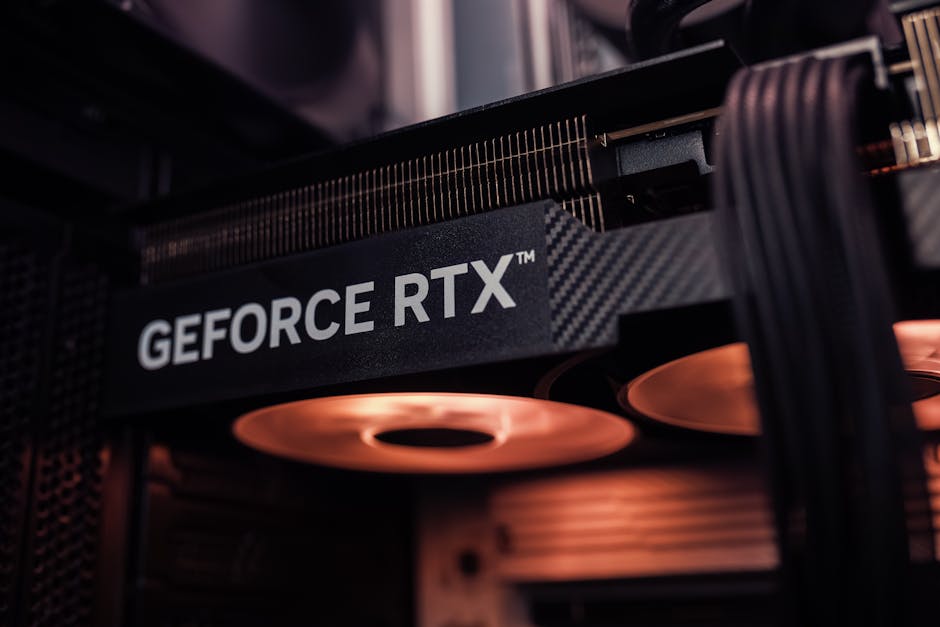
I’m not going to sugarcoat this part. Hardware matters, and the gap between ‘technically works’ and ‘actually usable’ is real.
The honest breakdown:
- 8GB RAM + no GPU: You can run small quantized models (3B-7B parameters). Slow. Functional for experimentation.
- 16GB RAM + mid-range GPU (8GB VRAM): This is the sweet spot for most people. 7B-13B models run comfortably. Real-world usable speed.
- 32GB RAM + high-end GPU (16GB+ VRAM): You’re running 30B+ models, multi-modal inference, coding assistants that don’t make you wait. This is the setup where local AI stops feeling like a compromise.
- Apple Silicon (M3/M4 MacBook or Mac Mini): Unified memory architecture is genuinely excellent for this use case. An M4 Mac Mini with 32GB RAM is one of the best local AI machines you can buy in 2026 for the price.
The real question isn’t whether your hardware is good enough—it’s whether the tradeoff makes sense for your use case. For sensitive workloads, even a slower local setup beats a fast cloud endpoint you don’t control.
The Use Cases That Actually Justify This
Not every task needs a local model. Cloud AI is faster for casual use, and if you’re asking it to help you write a birthday card, the privacy calculus is different than if you’re feeding it proprietary code.
Here’s where local AI earns its keep:
- Coding assistance with proprietary codebases — Your internal architecture, your unreleased product logic, your security implementation. None of that belongs in a third-party training pipeline.
- Document analysis — Contracts, medical records, financial statements. Sensitive by definition.
- Writing and editing — If you’re writing something that reveals your thinking, your strategy, or your clients’ situations, keep it local.
- Offline capability — Ships, remote sites, air-gapped environments, anywhere reliable internet is a fantasy. Local inference just works.
- RAG pipelines over private data — Retrieval-Augmented Generation lets you point a model at your own documents. That whole workflow stays on-premise when the model does.
“The open-source AI movement has never lacked for options.” — But in 2026, those options are better than they’ve ever been, and the case for using them is stronger than ever.
Meta’s recent moves have complicated the open-source narrative—licensing changes that blur what ‘open’ actually means have frustrated builders who depended on that ecosystem. Which is exactly why the broader open-weights community—Mistral, the Llama derivatives, Falcon, Phi—matters. Monocultures are fragile. Distributed options are not.
Getting Started Without Losing Your Mind

The path from zero to running a local AI is shorter than most people think. Here’s the actual sequence:
- Install Ollama —
ollama.com, download, install. Two minutes. - Pull a model —
ollama pull llama3orollama pull mistral. Grab coffee while it downloads. - Run it —
ollama run llama3. You’re now talking to a local AI. Nothing left your machine. - Add a UI (optional) — Deploy Open WebUI via Docker. One command. Now you have a proper interface.
- Experiment with models — Different models have different strengths. Coding? Try
deepseek-coderorcodellama. General use? Mistral and Llama 3 are the workhorses.
The whole setup takes an afternoon. The first time you paste something sensitive into a local prompt and realize it genuinely went nowhere else—that’s the moment it clicks.
Every system has a logic to it. The logic of cloud AI is that your data is the product, your dependency is the feature, and your switching cost is the moat. Local AI inverts that logic. It gives the intelligence back to the person sitting at the keyboard.
The real question isn’t whether the model is as good as GPT-whatever. The question is: what are you actually willing to trade for convenience?
Because TANSTAAFL. There ain’t no such thing as a free lunch—and there’s no such thing as a free inference either.
 Scrivener.PRO