
You know that moment when you’re staring at a Windows update progress bar at 11:47 PM, your presentation due at 8 AM, and the machine just decided right now was the time to install 47 patches and reboot three times? Yeah. That moment has driven more people to Linux than any marketing campaign ever could.
Welcome. You’re not alone, and you’re not crazy. The computer is supposed to work for you—not the other way around.
Here’s the thing about switching to Linux: it’s less like moving to a new country and more like moving out of your parents’ house for the first time. Everything is suddenly yours. The rules make sense because they’re logical, not arbitrary. And yeah, you’ll have to figure out how the stove works. But you’ll never have Microsoft rearranging your kitchen at 2 AM again.
Stop Distro-Hopping Before You Start
The first thing the internet will do is overwhelm you with choices. Arch, Fedora, Manjaro, Pop!_OS, Mint, Ubuntu—it reads like a menu at a restaurant where you don’t speak the language. Everyone online has a passionate opinion. Most of them haven’t shipped a production system in their lives.
Here’s my actual advice: Linux Mint Cinnamon if you want Windows to feel familiar from day one. Ubuntu if you want the biggest support ecosystem and the most Stack Overflow answers when something breaks. That’s it. That’s the list for a refugee.
Distro-hopping—the art of reinstalling your OS every two weeks chasing the perfect setup—is procrastination dressed up as productivity. Pick one, live in it for 90 days, and actually learn it. You can always move later. But you can’t learn anything if you keep resetting the clock.
“The best Linux distro is the one you’ll actually use. Everything else is just arguing about the color of the boat while you’re still on the dock.”
The Software Question (It’s Not as Bad as 2010)
This is the big fear. “But what about my apps?” Look, I get it. The software ecosystem argument used to be legitimate. It isn’t anymore—at least not for most people.
Your browser works. Firefox, Chrome, and as of 2026, even Opera GX just landed on Flathub and the Snap store—so if you were attached to that gaming-focused browser with the RGB aesthetic, it followed you here. Your email, your Spotify, your Slack, your Discord—all native Linux apps now.
The real conversation is about the edge cases:
- Microsoft Office: LibreOffice handles 95% of what most people actually need. For the other 5%, Microsoft 365 runs in your browser just fine. If you’re doing advanced Excel macros for work, that’s a conversation worth having—but that’s not most people.
- Adobe Creative Suite: This is the legitimate sticking point. Darktable and GIMP are capable tools but they’re not Lightroom and Photoshop. If your livelihood depends on Adobe, dual-boot. Don’t make your career a philosophy experiment.
- Gaming: Steam’s Proton compatibility layer in 2026 is nothing short of remarkable. Most of your Steam library runs. Not all of it—anti-cheat software is still the stubborn holdout—but enough that gaming on Linux went from heroic to mundane.
The Terminal Isn’t Your Enemy
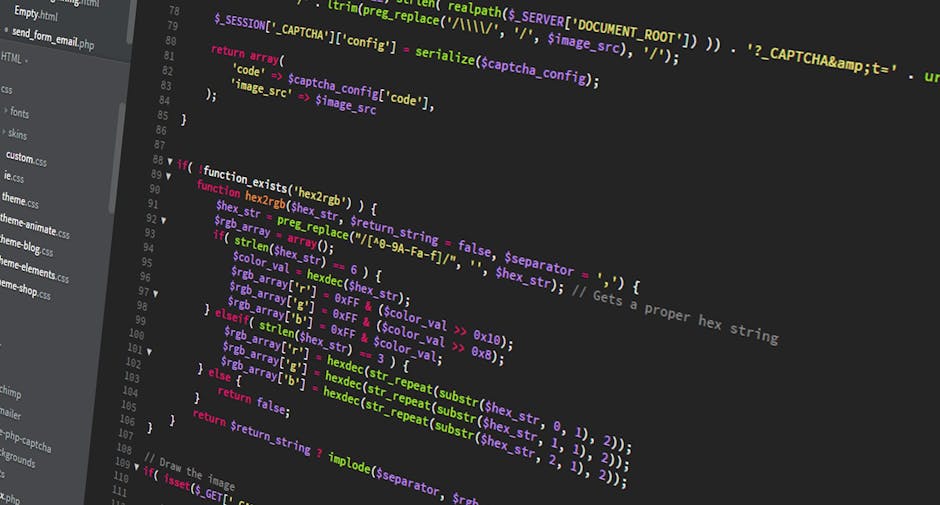
Here’s where most guides lose people. They either pretend the terminal doesn’t exist—setting you up for confusion later—or they throw you into the deep end with shell scripting on day one.
Neither is right. The terminal is just a tool. A powerful one. You don’t have to be afraid of it, and you don’t have to live in it.
Start with five commands and actually know what they do:
sudo apt update && sudo apt upgrade— Updates your system. Run it weekly.ls -la— Lists everything in your current folder, including hidden files.cd [folder name]— Navigate into a folder. Like double-clicking, but faster.pwd— Shows you exactly where you are in the filesystem. Your GPS.man [command]— The manual for any command. When in doubt, read the manual.
That’s it for week one. The Linux kernel just hit 7.0—under the hood there’s faster swap handling, improved Intel performance, even Rock Band 4 controller support—but none of that requires you to open a terminal. You’ll grow into it naturally. It’s like fishing: you start with a rod and a bobber, not a commercial net.
“The terminal is where Linux stops hiding things from you. That’s not a flaw. That’s the feature.”
Building Your Daily Driver
The apps that will make your Linux desktop actually feel good to use are not the ones that come preinstalled. Here’s a starter kit worth knowing about in 2026:
Ghostty just landed in the Ubuntu repos—it’s a terminal emulator that’s genuinely fast and pleasant to look at. When you’re ready to dip into the command line, use a tool that doesn’t make it feel like 1994.
Tributary is a new GTK4 music player that reimagines the old Rhythmbox interface with a modern feel. If you had a music library before streaming ate everything, this is worth a look.
And if you’re a GNOME user who needs background ambiance while you work, there’s a GNOME extension called Quick Lofi that streams chill beats directly from your taskbar. Is it a productivity tool? Debatable. Does it make the desktop feel alive? Absolutely.
The Real Reason You’re Here
Let me be straight with you about something. The switch to Linux isn’t really about better software or faster boot times, though those can be real. It’s about a relationship with your machine.
On Windows, Microsoft decides what runs on your computer, when it updates, what data gets collected, what features get removed in the next version. You’re using their platform on their terms. You are the tenant. They are the landlord—and the landlord has been doing a lot of unannounced walk-throughs lately.
Linux is different at the root level. The kernel is open. The source code is readable. The package maintainers answer to the community, not to shareholders. When something breaks, you can actually fix it—or find someone who has. The system is yours.
That’s not a small thing. That’s the whole thing.
You might hit rough patches. Some driver won’t cooperate. A game won’t launch. A configuration file will look like ancient Sanskrit. That’s not Linux failing you—that’s any new system asking you to learn its language. You learned Windows too, once. You just forgot because it was gradual.
Give it 90 days. Keep a notepad of every problem you hit and how you solved it. You’ll be shocked what you know at the end of those 90 days—not just about Linux, but about how computers actually work.
The real question isn’t whether Linux is ready for you. It’s whether you’re ready to own your own machine again.
What’s stopping you?
 Scrivener.PRO
Leave a comment